Most people decide whether to install from your screenshots, often before they read the description. A French visitor who sees English captions over English screens has been told, in the first second, that the app isn't for them.
Translating screenshots sounds like swapping the words. In practice the words get longer, the line breaks move, the screens inside the device frames are still in English, and the clever headline doesn't survive translation. Here's how to do it properly.
What to localize
- The captions. The headline and any small label above it. This is the part people read.
- The screens themselves. Capture your app running in that language, so the interface inside the device frame matches the caption.
- Other graphics with text. Google Play's 1024 × 500 feature graphic, and any text in your app preview video.
- The details. Dates, currencies, names in example content, and anything else that gives away which country the screenshot came from.
Here's SpeakDiary's deck in three languages: the same layout, a native caption, and the app's own screens in each language.
[ Screenshot deck ]
UN DÉPART TOUT EN DOUCEUR
Trouvez les mots quandils se font rares.
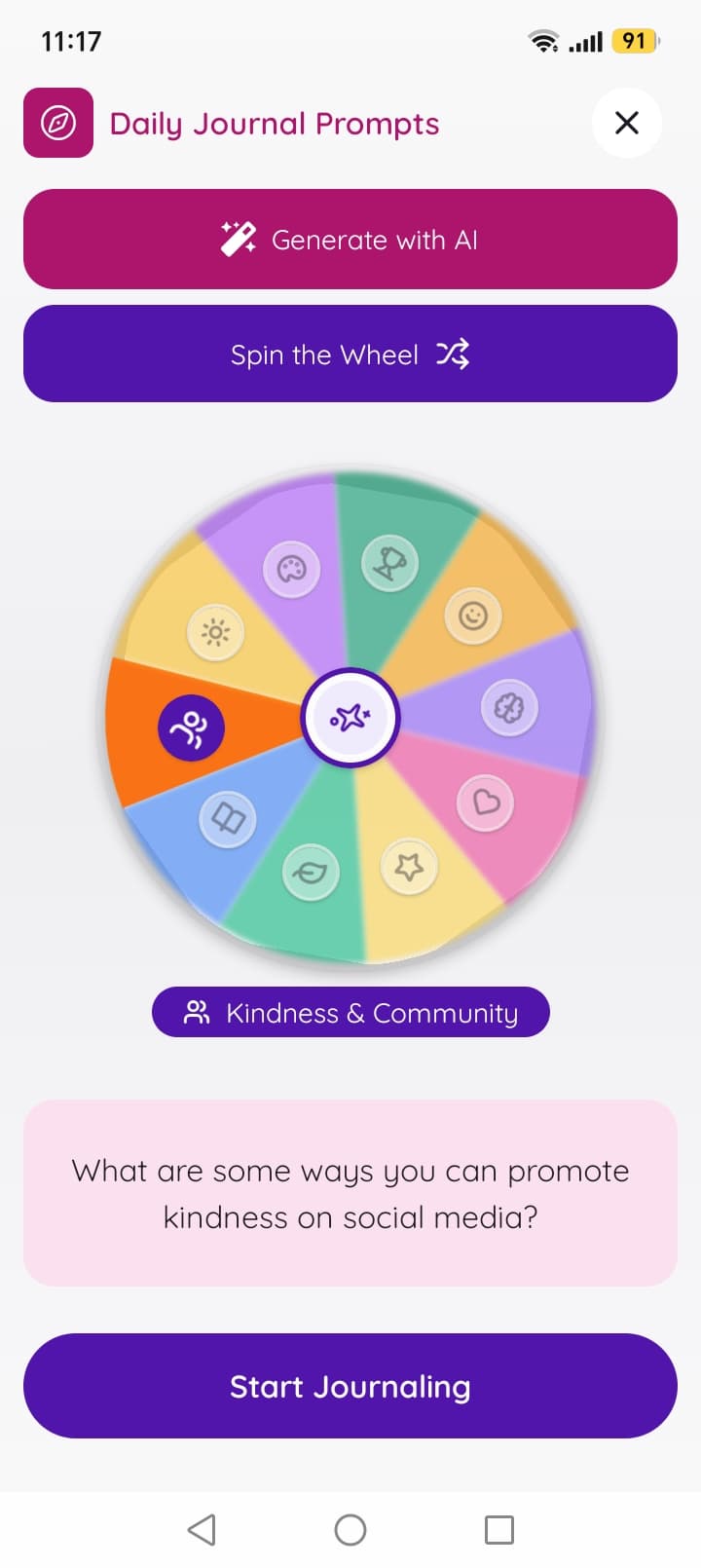
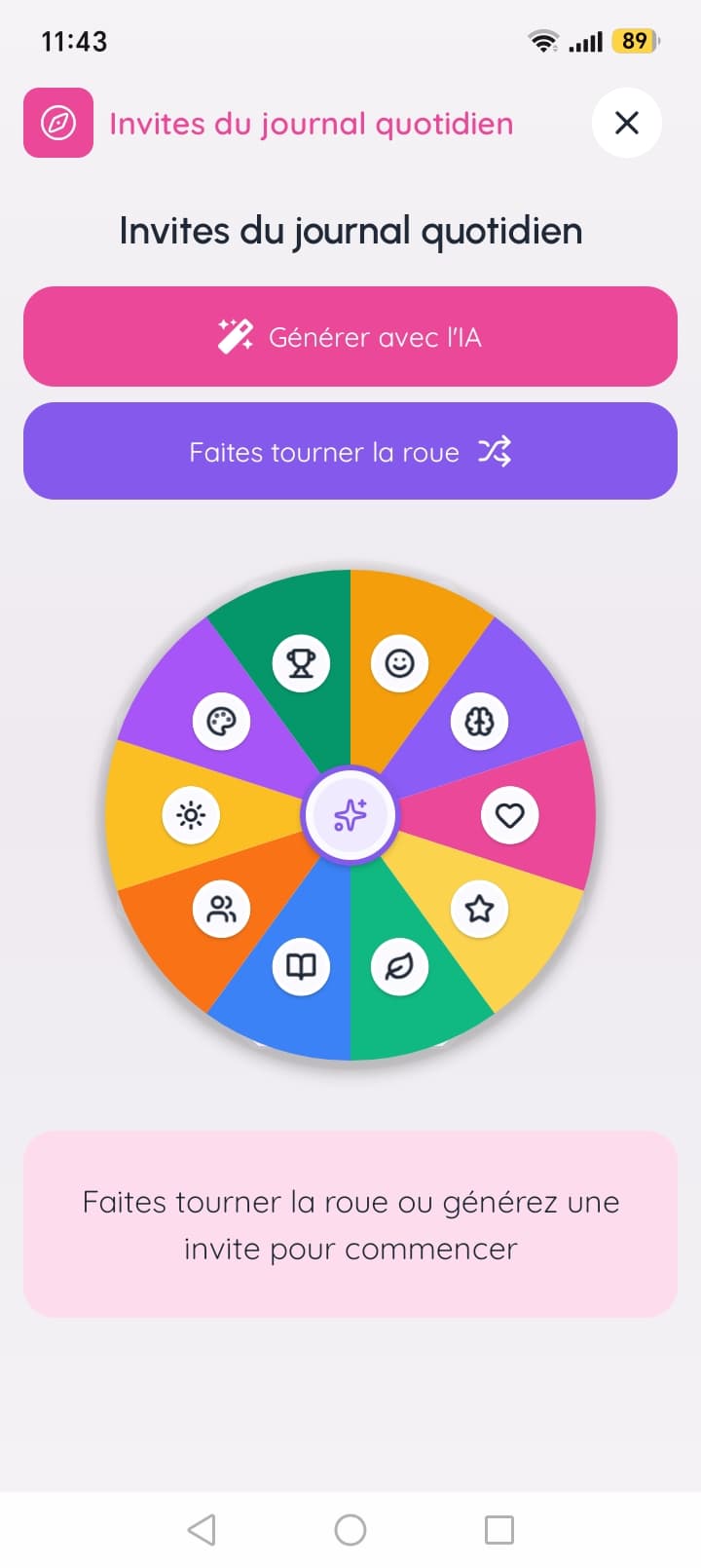
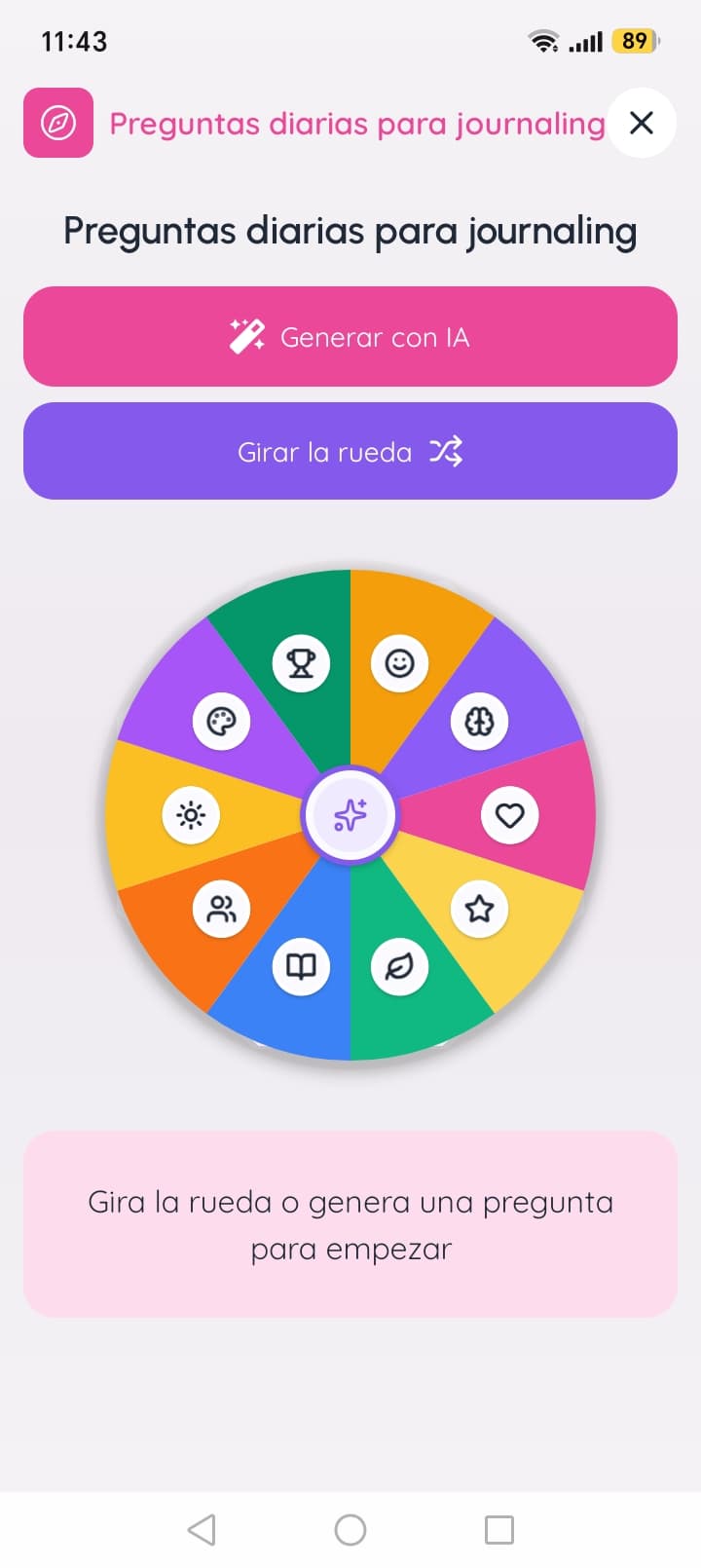
41 chars(+7 vs EN)
VOS TENDANCES, PLUS CLAIRES
Voyez ce que vos joursvous révèlent.
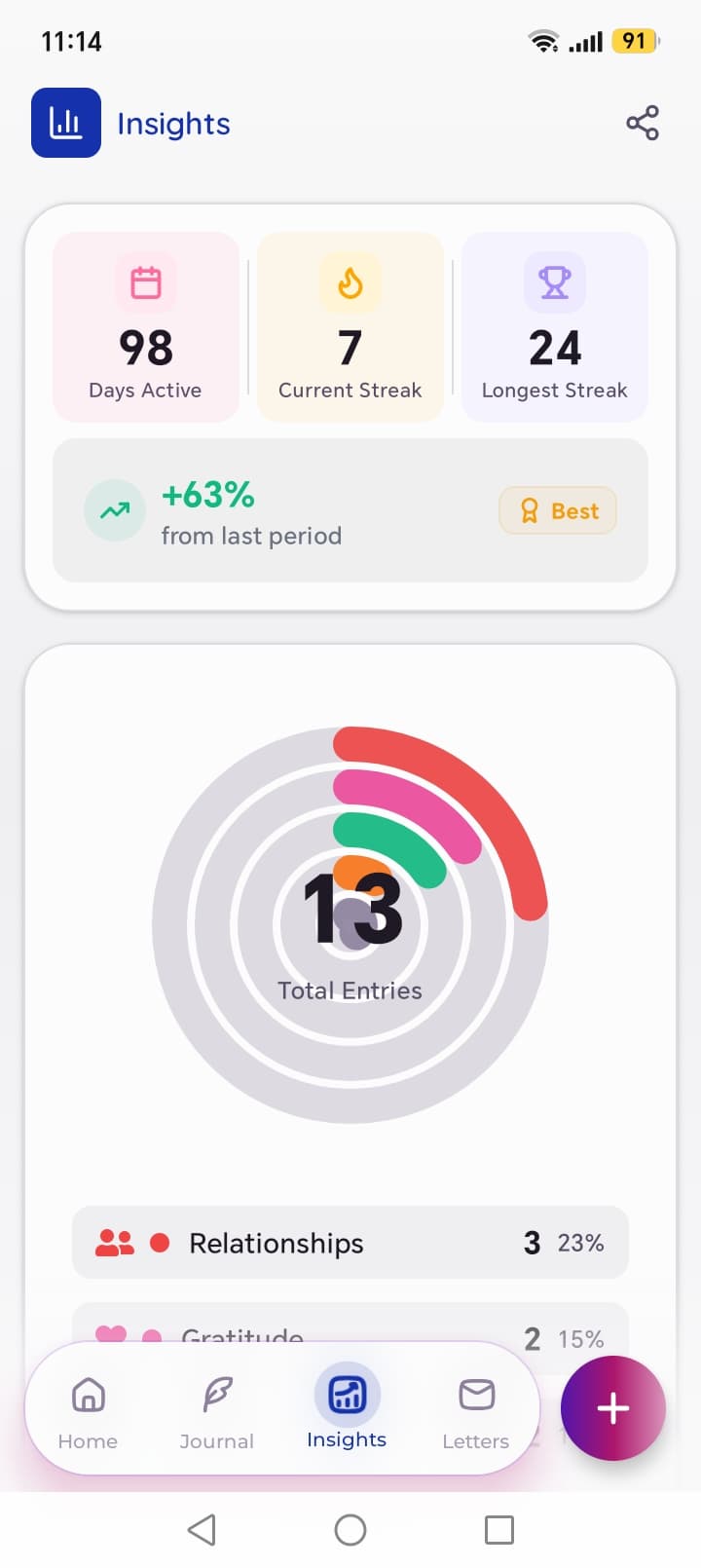
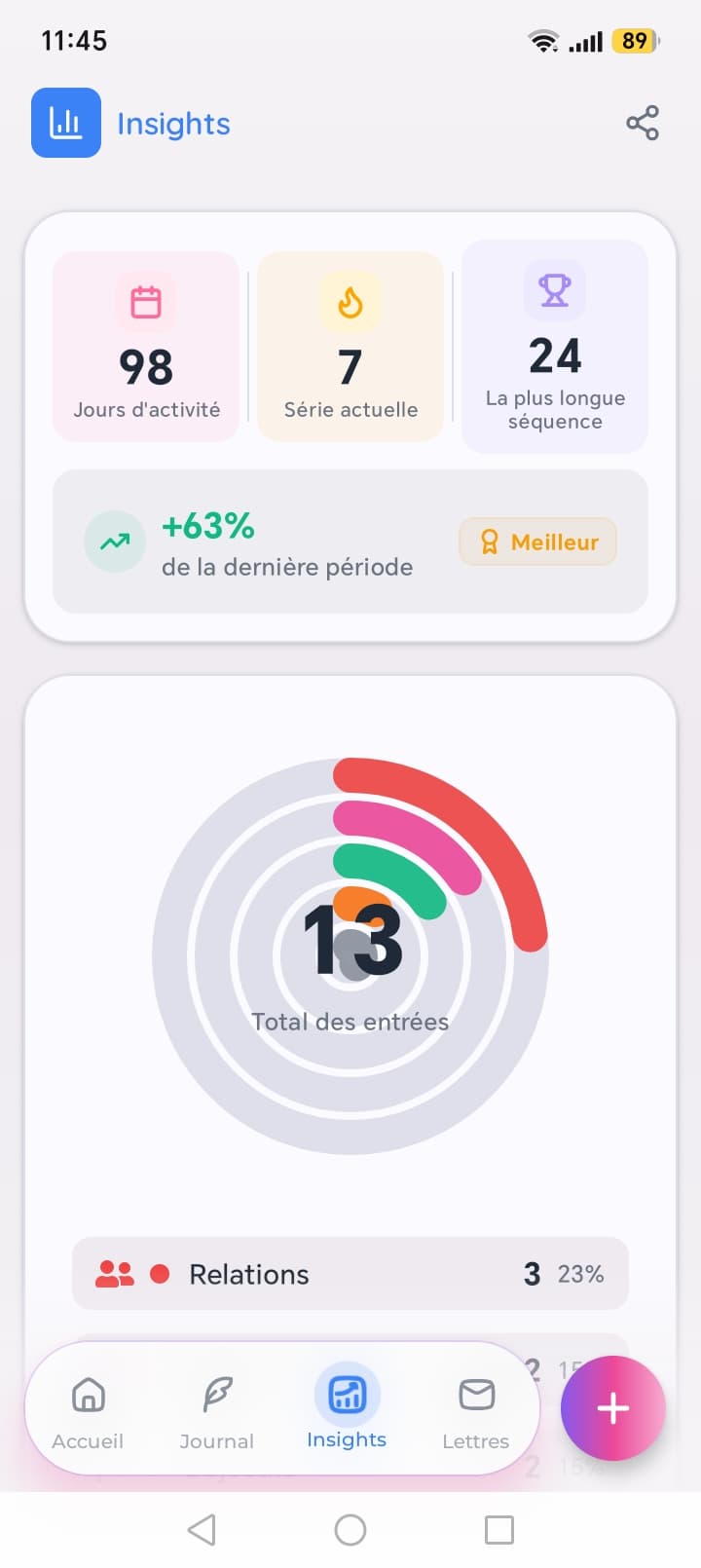
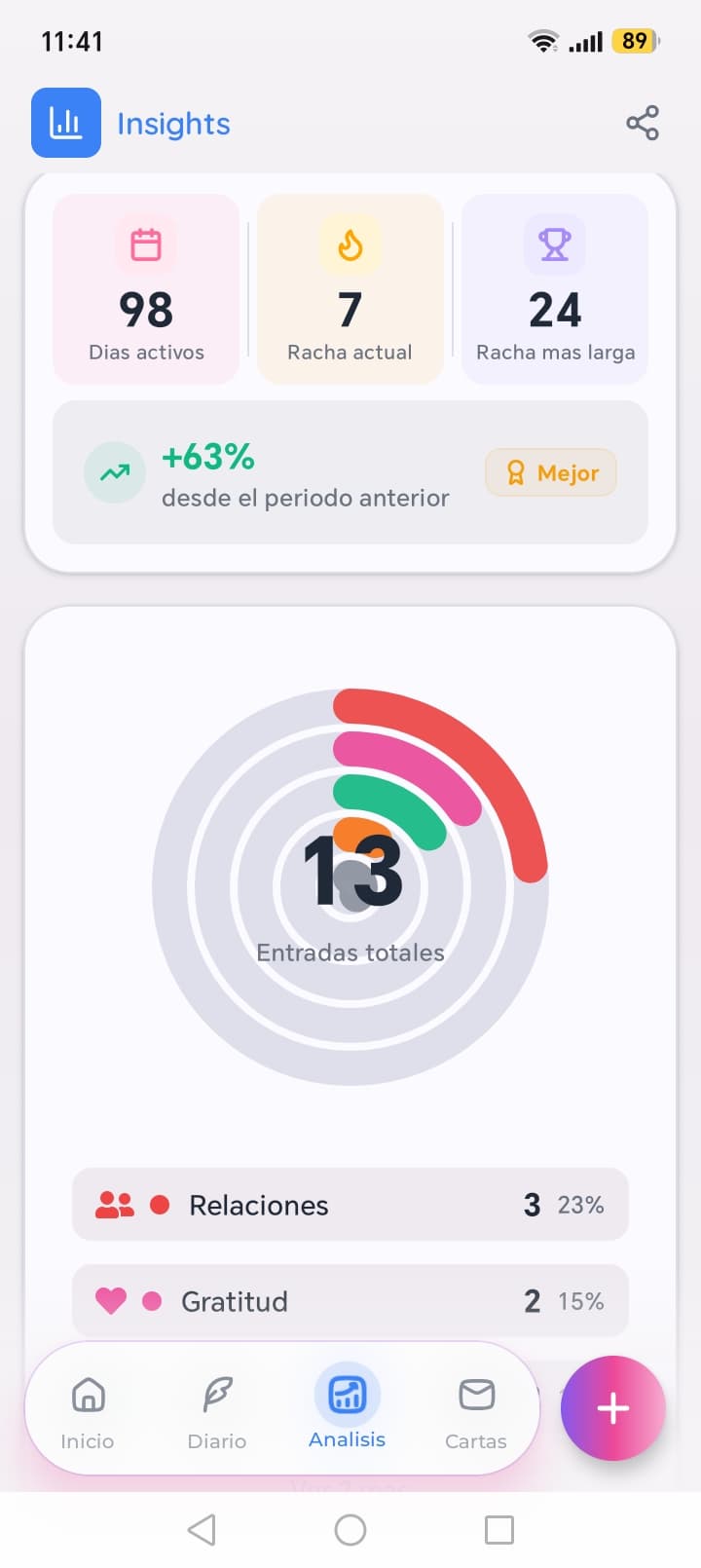
37 chars(+2 vs EN)
DÉCOUVREZ LUMI
Parlez-en avec une aideplus douce.
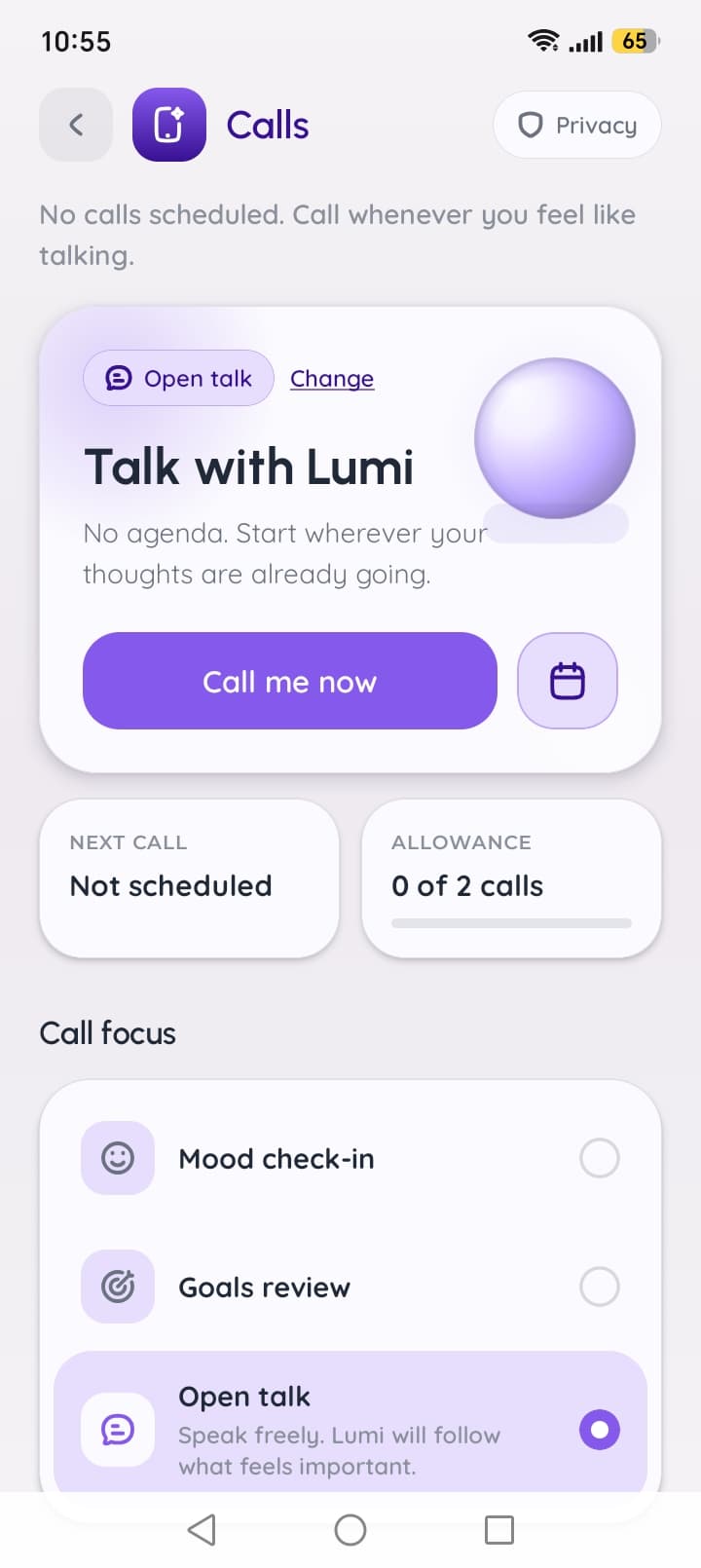
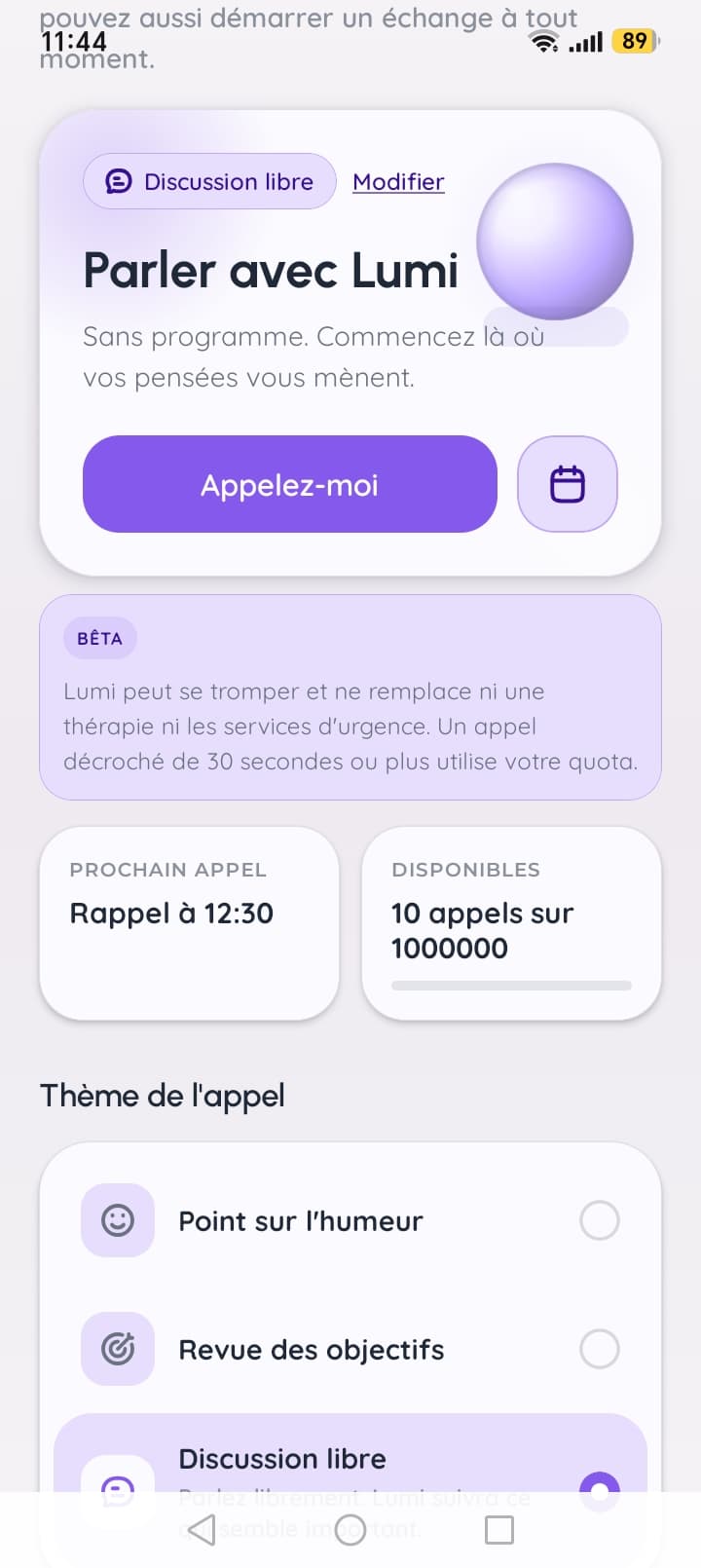
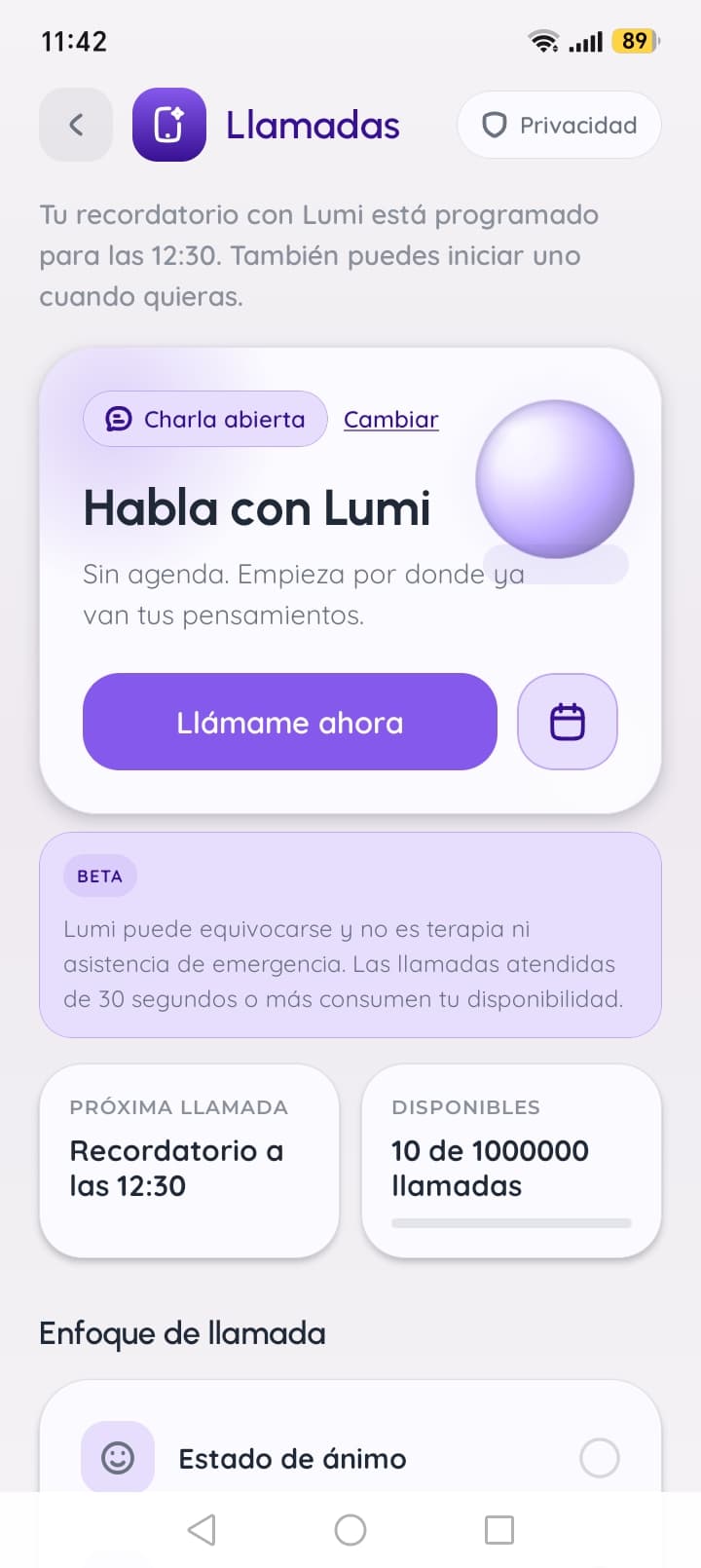
35 chars(-2 vs EN)
Write captions natively, don't translate them
A caption is a tiny piece of advertising, and wordplay rarely survives a dictionary. SpeakDiary's English headline is "Find the words when they feel far." The literal French version is correct and says the words themselves feel distant. The version a French writer chose, "Trouvez les mots quand ils se font rares" ("when they're hard to come by"), keeps the point in a way French readers would put it.
So brief a native writer on what each caption has to say, not just the English line. We go deeper into this, and into finding the words people search, in why translated ASO keywords don't rank.
Plan for text that runs longer
Many languages need more characters than English to say the same thing, and some need fewer. Don't size your caption area to the English line:
- Leave room in the layout for a line or two more than English needs.
- Let captions wrap at natural phrase breaks, chosen per language, not wherever the box ends.
- Shrink type size before you cut meaning, within reason. A caption that needs tiny type needs a shorter rewrite.
- Check scripts your font may not cover (Cyrillic, Greek, Vietnamese diacritics) and pick fonts that do.
- Mirror the layout for right-to-left languages such as Arabic and Hebrew.
Build screenshots from layers
If each screenshot is a flat image someone exported from a design tool, every language is a new design job, twice over once you ship to both stores. Build them from layers instead: background, device frame, screen capture and caption. Then a new language means swapping the caption and the capture, and re-exporting at each store's sizes.
Follow each store's rules
The size rules differ, so export for each store:
| Google Play | App Store | |
|---|---|---|
| How many | At least 2, up to 8 per device type | At least 1, up to 10 per device size |
| Size | Each side 320–3,840 px, long side at most twice the short | Set per display size; iPhone portrait 1179 × 2556 or 1206 × 2622 |
| Smaller devices | Upload per device type | Scaled down from the largest size you upload |
| Text | Taglines at most 20% of the image | No "Best", "#1" or similar unbacked claims |
Sources: Google's listing specs and Apple's screenshot specifications. On the App Store, screenshots belong to each localization, so a market without its own set shows your primary language's.
Check every language before you publish
- No caption is cut off, and no line ends on an orphaned word.
- The screens inside the frames are in the same language as the captions.
- Every character renders in your chosen font.
- Right-to-left languages read and flow correctly.
- Numbers, dates and currencies look local.
- Each export meets the size rules of the store it's for.
Screenshots are one part of a localized listing. For the whole job, from markets and keywords to publishing, see how to localize your app store listing for every market.
GetLocalised's Photo Studio builds screenshots from layers like this: device mockups, your captures and captions written natively for each market, re-rendered for every language and exported at the store's sizes. It works with Google Play today, and App Store support is on the way.
Questions
- Do I need to localize the screens inside my screenshots?
- Ideally, yes. A localized caption over English interface text looks unfinished. If your app isn't translated yet, focus on the captions and choose screens with little text.
- What size should app store screenshots be?
- On Google Play each side must be between 320 and 3,840 pixels, with the long side no more than twice the short one; Google recommends at least 1080 pixels. On the App Store the required iPhone size is 1179 × 2556 or 1206 × 2622 pixels in portrait, and App Store Connect scales them down for smaller iPhones.
- How many screenshots can I upload?
- Up to 8 per device type on Google Play, with at least two in total, and up to 10 per device size on the App Store, with at least one.